✷ ハーネス
What Are Claude Mods?
Claude Code used to be one chat window. Now you can extend it with mods: small plugins that add panels, buttons, commands, even games, drawn right inside Claude Code.
この記事はまだ日本語版がありません。英語の原文を表示しています。
First, an analogy
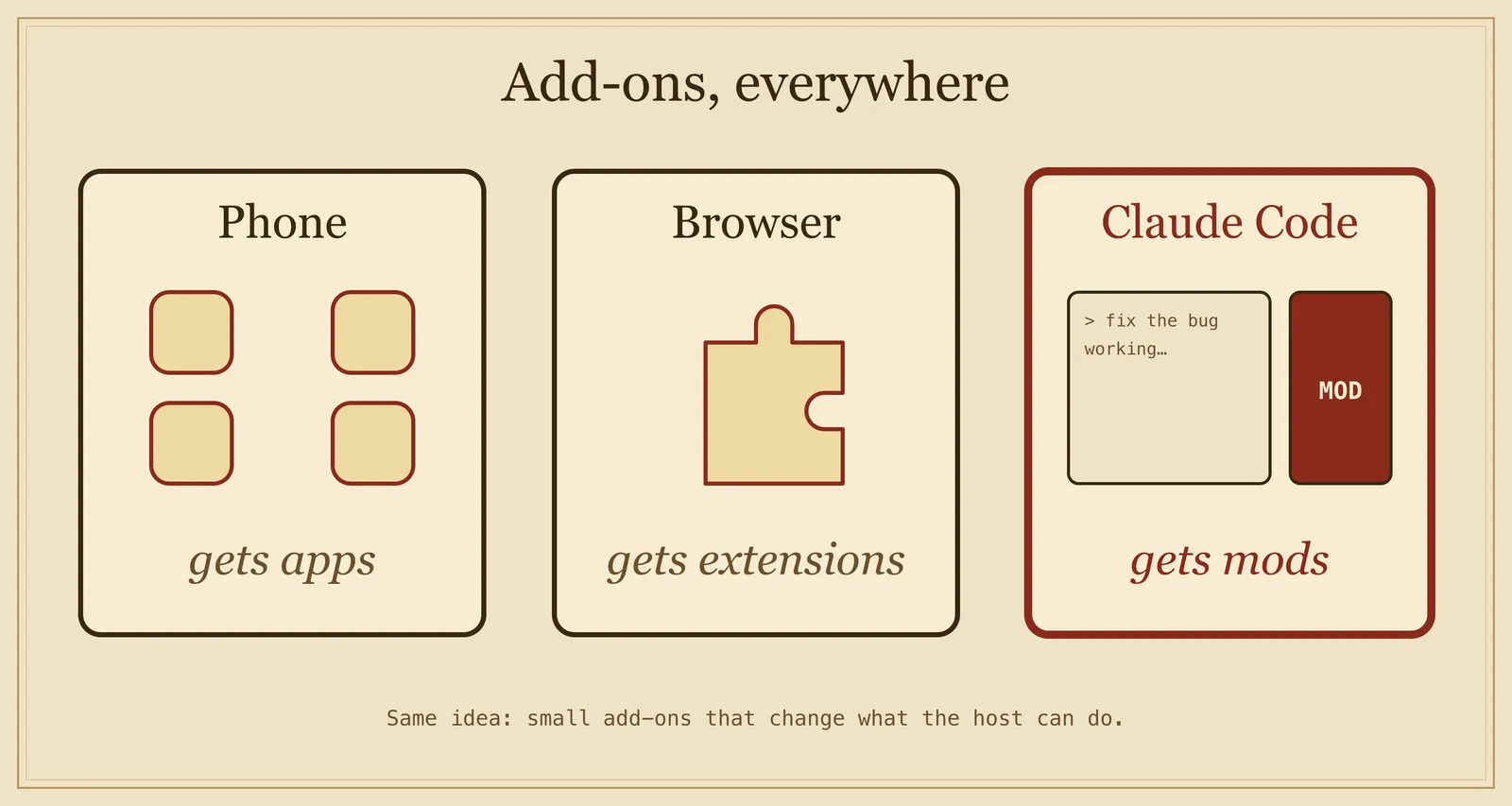
Think of apps on a phone, or extensions in a browser. A mod is the same idea, for Claude Code. On its own, Claude Code is a window where you chat and it writes code. A mod lets you add things to that window.
- A phone gets apps.
- A browser gets extensions.
- Claude Code gets mods.
What can a mod change?
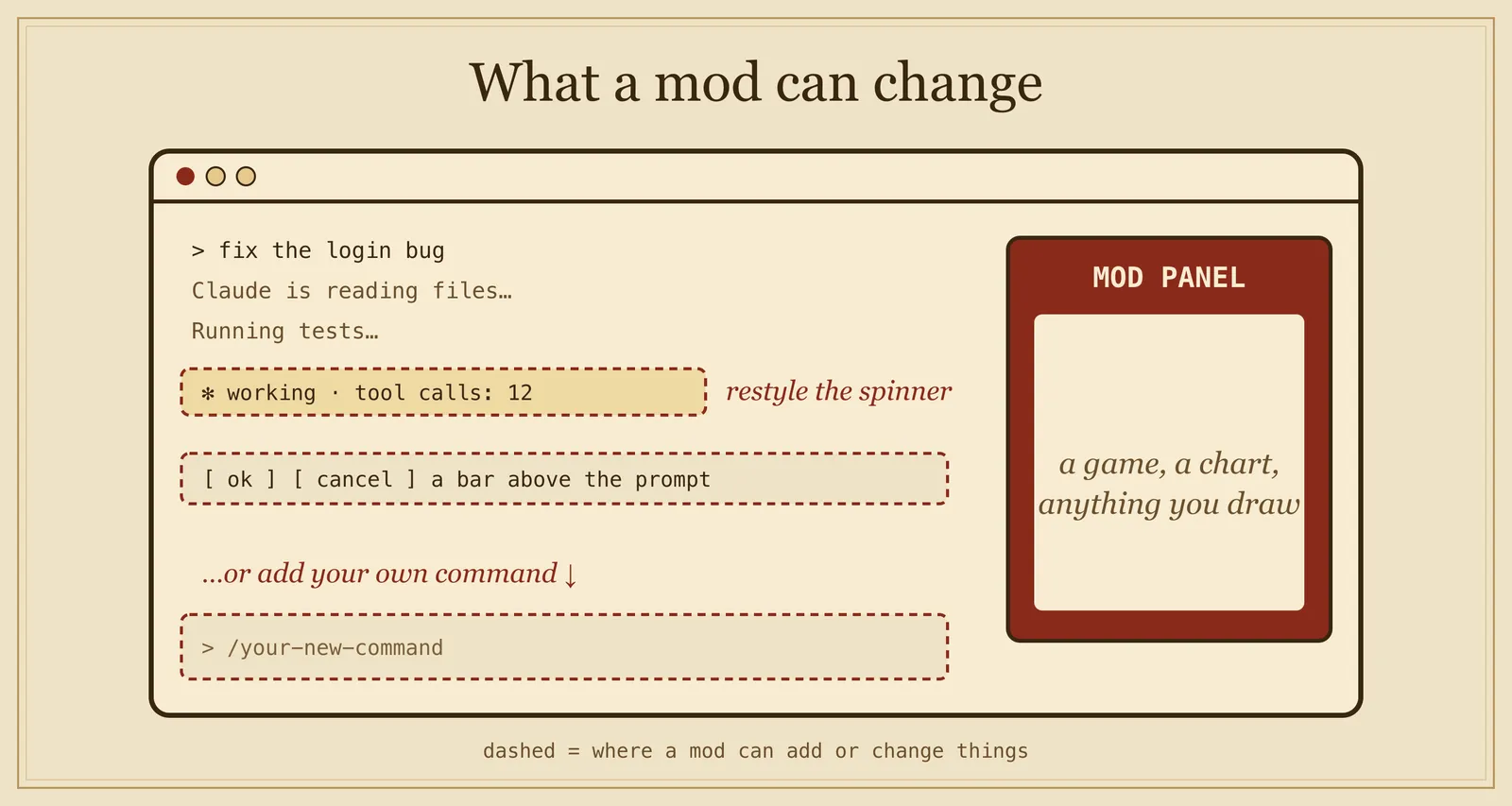
Normal Claude Code settings can only run commands. Mods can draw in the interface:
- a side panel next to the chat
- a bar above the prompt
- a new
/commandthat runs instantly, even while Claude is working - a restyled spinner or tool-call row
How does it work?
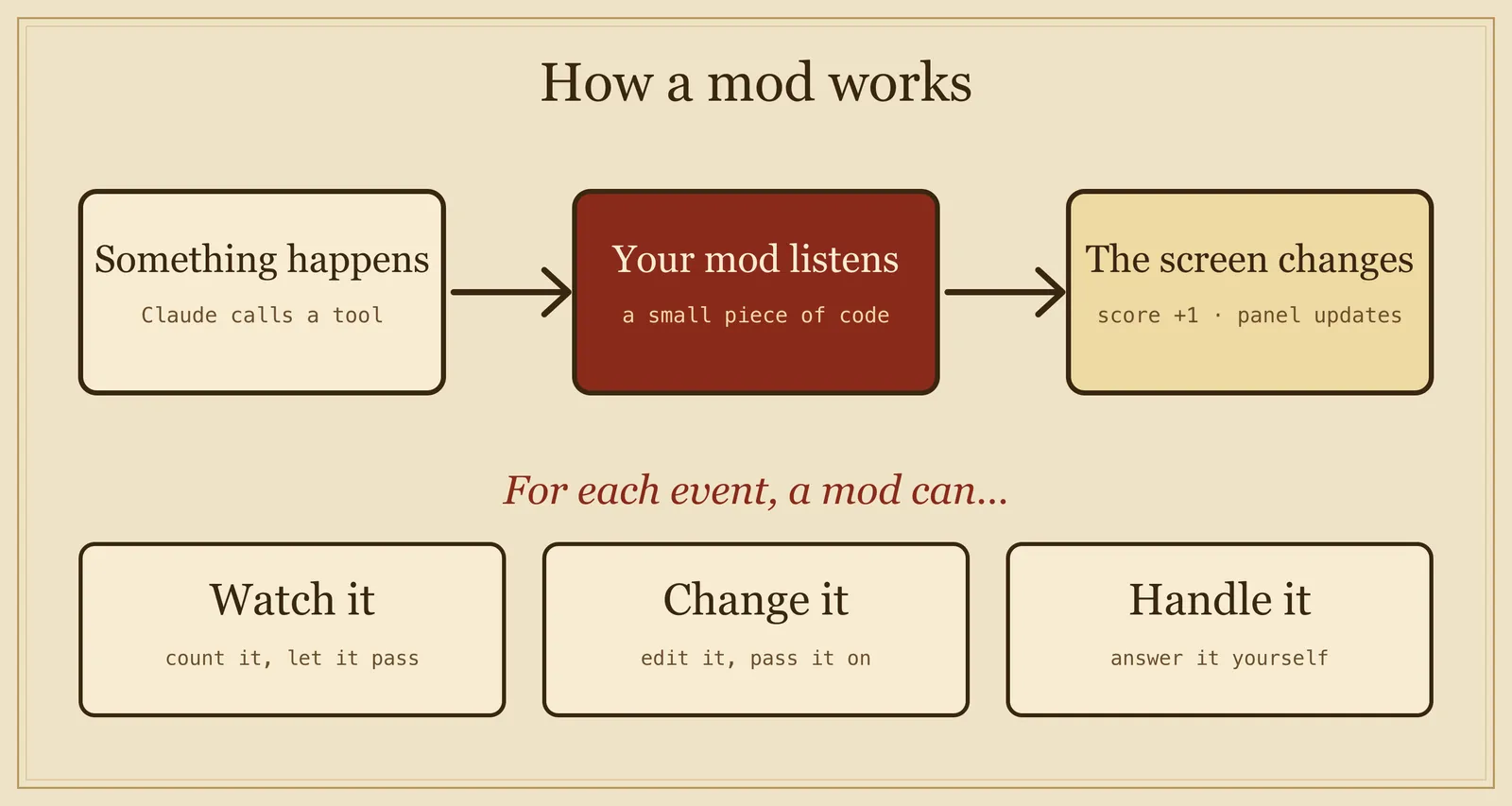
Claude Code announces events: "Claude called a tool", "the user sent a message", "the screen needs to redraw". A mod listens, and for each event it can:
- watch it and let it pass
- change it and pass it on
- handle it itself
A mod in a dozen lines
This mod counts Claude's tool calls and adds the number to the spinner, so it reads "Thinking · tool calls: 3…".
let calls = 0

export function register(on) {
  on('tool.call', async ($, e, next) => {
    calls += 1
    $.ui.invalidate('ui.render')   // redraw the screen
    return next(e)                 // let the tool run as usual
  })

  on('ui.render', { component: 'Spinner' }, async ($, e, next) => {
    return next({ ...e, props: { ...e.props, suffix: ' · tool calls: ' + calls + '…' } })
  })
}
Two hooks share one variable. One counts, the other draws. That is a mod.
Why not a hook, a skill or an MCP server?
Claude Code has several ways to extend it. They do different jobs:
- Settings hook: runs a shell command when something happens. Good for blocking, allowing or logging.
- Skill: a Markdown file of instructions Claude reads. Good when you keep pasting the same prompt.
- MCP server: gives Claude new tools to reach outside systems.
- Mod: code that runs inside Claude Code. It is the only one that can draw in the interface.
What else can you build?
The official sample mods show the range:
- token-weather: a forecast of your context window, shown above the prompt.
- blast-radius: holds a risky shell command and shows proceed and cancel buttons.
- replay-theater: a
/replaycommand that shows what the last turn changed.
A real example: Idle Arcade
Waiting for Claude is boring, so I built games that run in a pane next to the chat. You play while Claude works. Every tool call Claude makes drops a bonus into your game. When Claude finishes, the game pauses and tells you.
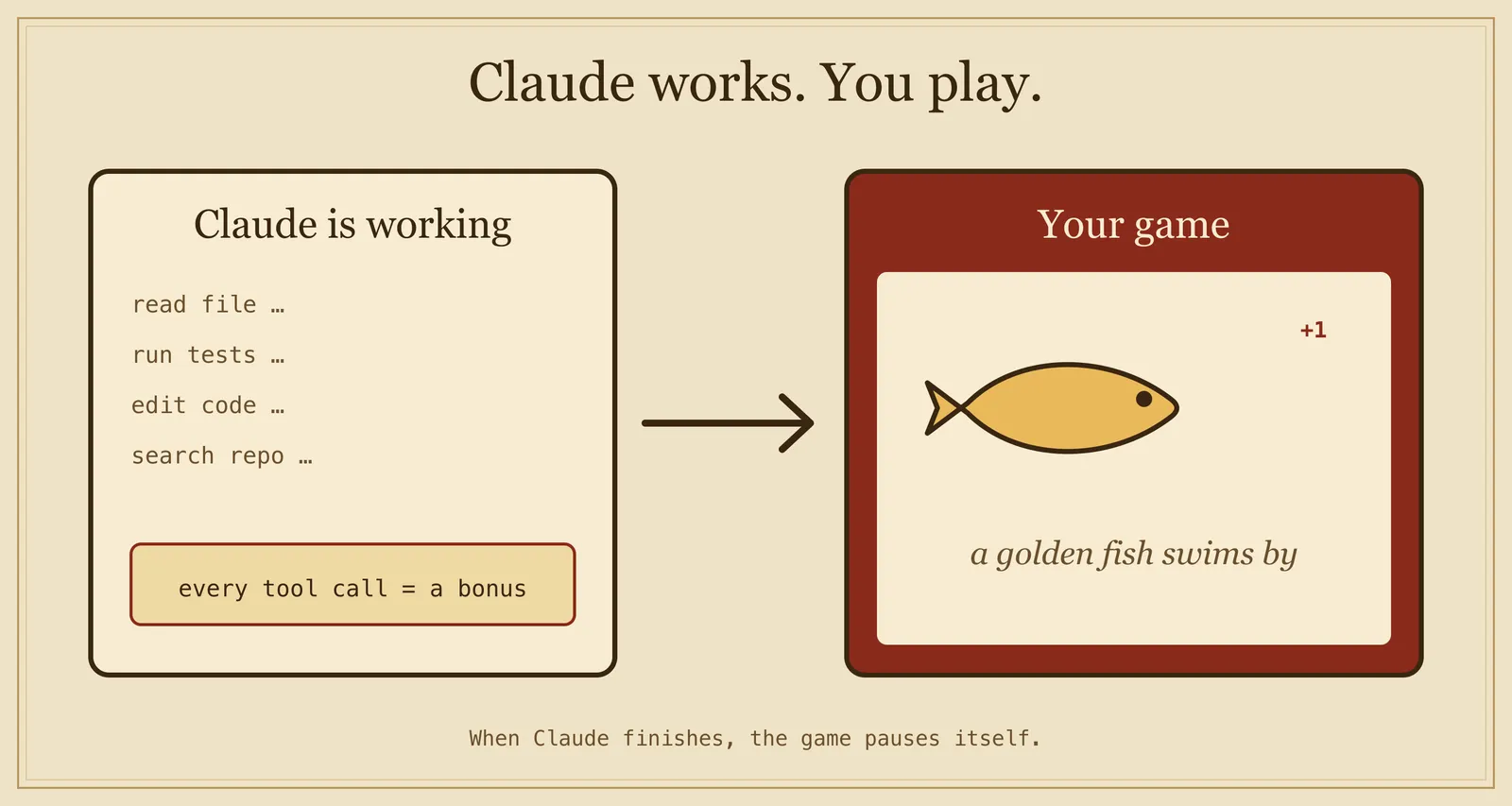
Fish Shooter is game #1. The coin counter and bet sit in the top bar, and a successful tool call sends a golden fish across the water. Claude writes code, you shoot fish.
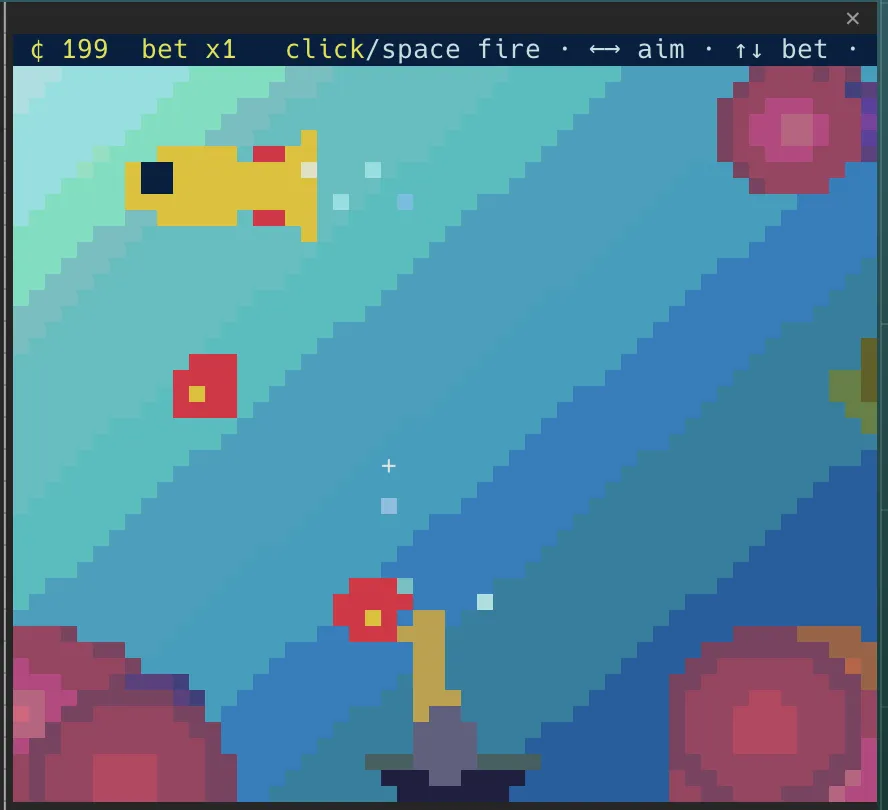
There are 6 original games so far: fish shooter, brick breaker, snake, space shooter, tap flyer and jump runner. All open source.
One warning
Mods are not sandboxed. They run with your permissions and can see your prompts and tool calls. Install only from sources you trust, and run claude plugin validate first. To turn one off, disable it in /plugin, or start Claude Code with --safe-mode.
In one sentence
A mod is a small program that lives inside Claude Code. It listens to what happens there, then adds things to the screen, changes them, or decides for you. It is powerful, so only install mods you trust.
Try it
You need Claude Code v2.1.287 or later in the terminal.
/plugin install idle-arcade --marketplace beasaltfish/idle-arcade
Then type /idle.
- Play the wall: https://idlearcade.beasaltfish.com
- Source: https://github.com/beasaltfish/idle-arcade
Want to add your own game? AGENTS.md in the repo tells your coding agent how to build one and open a pull request.